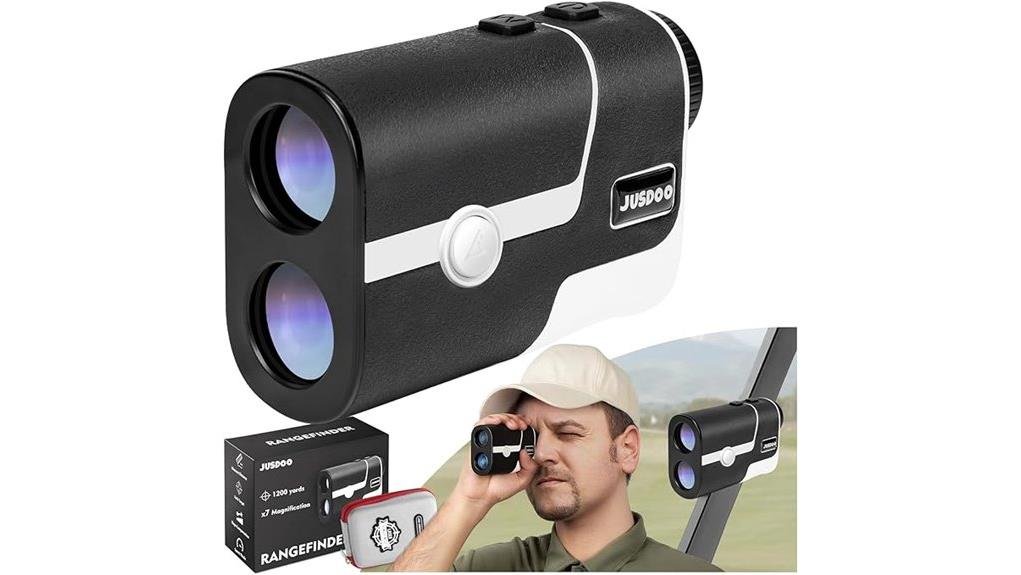
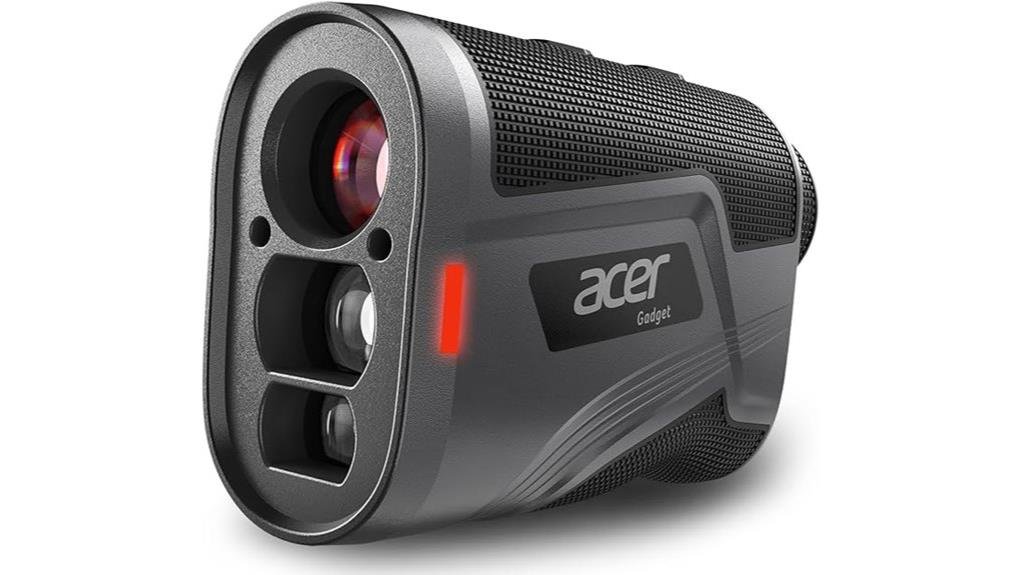
You’ll get compact, tournament-flexible performance: slope gives adjusted yardages for elevation, flag-lock confirms target with vibration, and modes (straight-line, hunting, speed) match shot types. Toggle slope on for practice or casual rounds and off for competitions. The 6X optics and 1200‑yd max meet most needs, USB‑C charging and a magnetic mount improve usability, while extreme ranges and low light can reduce precision. Keep going to see detailed test results and buying trade-offs.
Some Key Takeaways
- Slope-capable rangefinders adjust yardages for elevation changes, aiding club selection on hilly holes.
- Toggleable slope preserves tournament legality by allowing raw, regulation-distance mode.
- Flag Lock with vibration confirms pin targeting, improving confidence on flagged shots.
- Look for 6X magnification, reliable optics, and lens coating for usable performance in varied light.
- Prefer USB-C rechargeable batteries and magnetic mounts for better runtime and secure setup.
Which Golfers Benefit From a Range Finder With Slope and When to Toggle Slope Off?
If you play courses with significant elevation changes or regularly face uphill and downhill lies, a range finder with slope gives you measurable advantage by translating straight-line yardage into adjusted yardages for club selection; toggle slope off for tournament play or when you need raw, regulation-legal distances. You’ll find it technical and practical: beginners benefit from clear adjusted numbers for easier club choice and improved course management. Long hitters can fine-tune carry versus run on uneven terrain. Toggle slope on during casual rounds and practice rounds to learn elevation effects; switch it off in competition or when you want pure line-of-sight distance. Many golfers compare different models and features to find the perfect rangefinder when shopping for their game.
Quick Verdict: Performance Summary and Who Should Buy This Model
Although compact, this range finder delivers precise, tournament-flexible performance: 6X magnification and a 1200-yard maximum range provide plenty of reach. You’ll appreciate its compact portability and magnetic mount for quick setup, and the rechargeable USB-C battery that improves battery longevity versus disposables. Measurements are repeatable; slope can be toggled off for competition. Compared with bulkier units, it balances accuracy and weight without sacrificing modes you’ll use. Buy it if you want reliable distance data, simple flag-lock confirmation, and a community-minded tool that fits cart and bag. Skip it if you need extreme magnification or specialty optics. It’s an excellent choice for golfers seeking dedicated distance trackers and related accessories to enhance course play.
How the Slope Feature, Flag Lock, and Modes Work on the Course
Now let’s look at how the slope feature, flag lock, and operating modes actually behave on the course. You’ll toggle slope on/off via the switch for tournament play or adjusted yardages; slope calibration is automatic but you should verify on known elevation changes. Flag Lock mode gives immediate flag vibration confirmation when it locks your target, reducing second-guessing. Straight-Line, Hunting, and Speed modes prioritize raw distance, moving targets, or rapid readings respectively—choose per shot. Comparatively, using flag vibration plus slope on gives stabilized, elevation-adjusted numbers; disabling slope yields pure laser distance for rules-compliant rounds. A well-chosen device from a reputable laser rangefinder brand can improve confidence and club selection on long par-4s.
Real-World Test Results: Accuracy, Range, Battery Life, Magnification, and Mounting
When you take the unit onto the course you’ll quickly see how accuracy, usable range, battery endurance, magnification clarity, and the magnetic mount interact under real conditions; each attribute either complements or limits the others. You’ll find 6X magnification yields stable target ID to the rated 1200 yd in ideal light, though lens coating affects low-light contrast. Flag Lock vibration and slope-off readings stay consistent within a yard on mid-range shots; extreme distances depend on atmospheric factors and battery temp. USB-C charging gives reliable runtime; the strong magnetic mount secures to carts/clubs without shifting. For golfers seeking gear that fits their play style, consider comparing models on a site that helps you find the perfect golf launch monitor.
Final Buying Guide: Price Points, Tournament Legality, and What to Compare Before Buying
Having seen how performance, range, battery life, magnification, and the magnetic mount behave on the course, you can focus on the practical buying factors that separate models. You’ll weigh pricing tiers: budget (basic straight-line, minimal features), mid (flag lock, USB-C recharge, better optics), premium (full modes, max 1200 yd, slope tech). Prioritize rule compliance—ensure a slope switch for tournament-legal play and confirm mode lists. Compare flag lock reliability, magnification clarity, and mount strength. Check battery type and charging convenience. Choose the model that matches your play level, community standards, and long-term value. Also consider whether a dedicated wind meter accessory might improve your club selection on windy days.
Some Questions Answered
Does the Device Come With a Protective Carrying Case?
No — it doesn’t include a protective carrying case, but you’ll appreciate its compact, lightweight build and strong magnetic mount for secure transport. Compare third-party cases for added waterproof rating protection and improved shock resistance. You’ll also want to check battery life specs since the USB-C rechargeable cell removes disposable concerns. You’ll fit in with others who prefer durable aftermarket cases that match performance and portability needs.
Can Firmware Be Updated via USB-C?
Yes — you can update firmware via USB-C. You’ll use USB updates to transfer firmware and the process is straightforward compared to older models that required proprietary docks. Updates won’t harm device functionality, but you should monitor Battery impact: keep the rechargeable battery charged or connect power during updating to avoid interruption. This keeps your unit current, preserves performance, and helps you feel confident joining others who maintain their gear responsibly.
Is There a Warranty and What Does It Cover?
Yes — you get a Limited Warranty that covers manufacturing defects; it typically excludes wear, misuse, and accidental damage. You’re also covered for Battery Coverage during a shorter period or under specific conditions (like charging faults), but disposable battery issues aren’t relevant here since it’s USB-C rechargeable. Compare terms: some rivals offer longer electronics protection. Read the warranty sheet for claim process, required proof, and regional limitations to stay included.
How Loud Is the Vibration in Flag Lock Mode?
The vibration in Flag Lock mode is modest; you’ll feel clear haptic intensity without it being disruptive. Compared to louder devices, it favors subtle, confident feedback suitable for group play, and it supports silent alerts so you won’t disturb others. You’ll notice a firm, short pulse that confirms target lock reliably. For tournament use you can disable slope but the vibration remains discreet, balancing precision with considerate signaling.
Can Multiple Users Pair to the Same Unit Simultaneously?
No, you can’t pair multiple users simultaneously. The unit supports a single active connection and basic user profiles aren’t implemented, so battery sharing via paired devices isn’t available. Comparatively, this keeps firmware simple and reliable but limits multi-player workflows; you’ll need to pass the unit or switch accounts manually. If communal use matters, choose gear with explicit user profiles and shared-power features for smoother group integration and responsibility tracking.